01Initial Situation
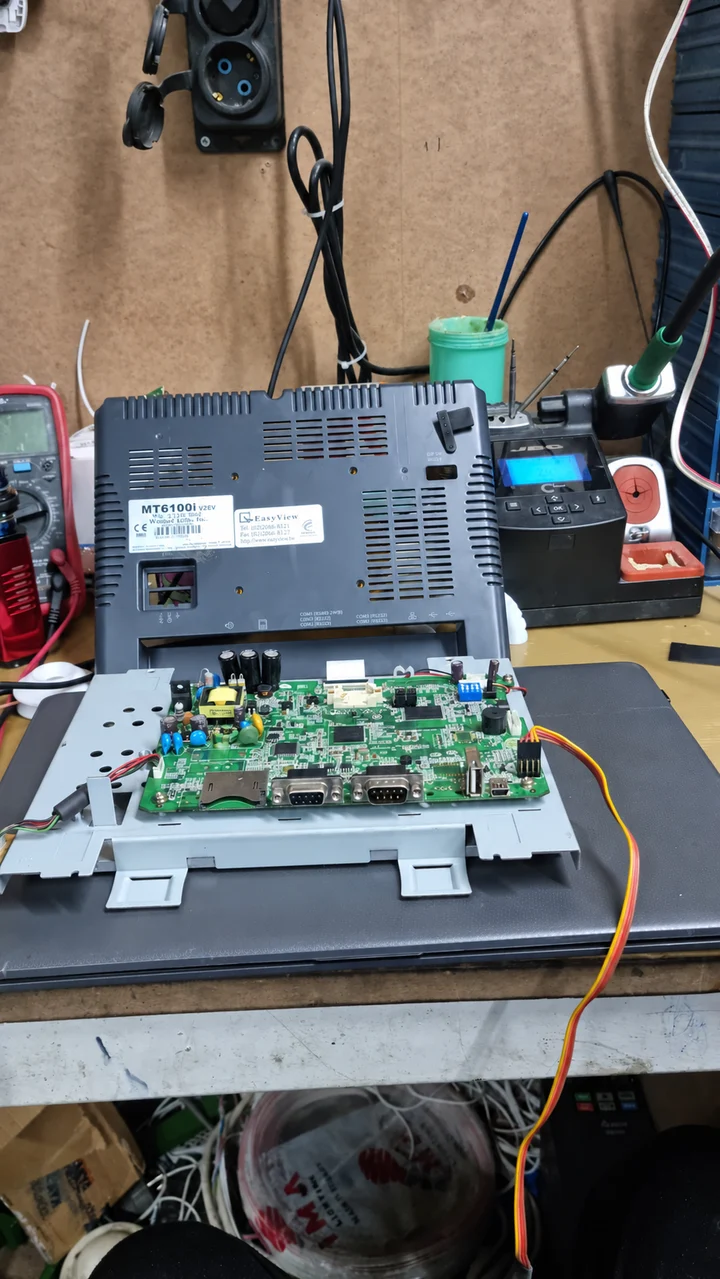
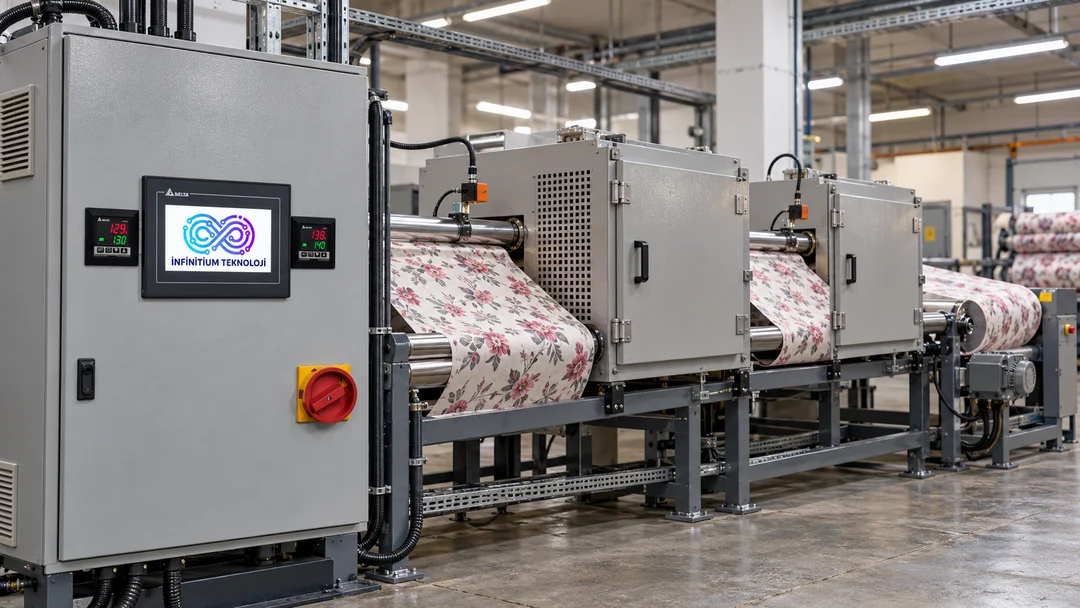
ARLON İPLİK's Weintek 10.1-inch HMI panel would not start or enter normal operation. As the main interface for operators to monitor the machine and issue commands, its failure directly affected daily machine use.
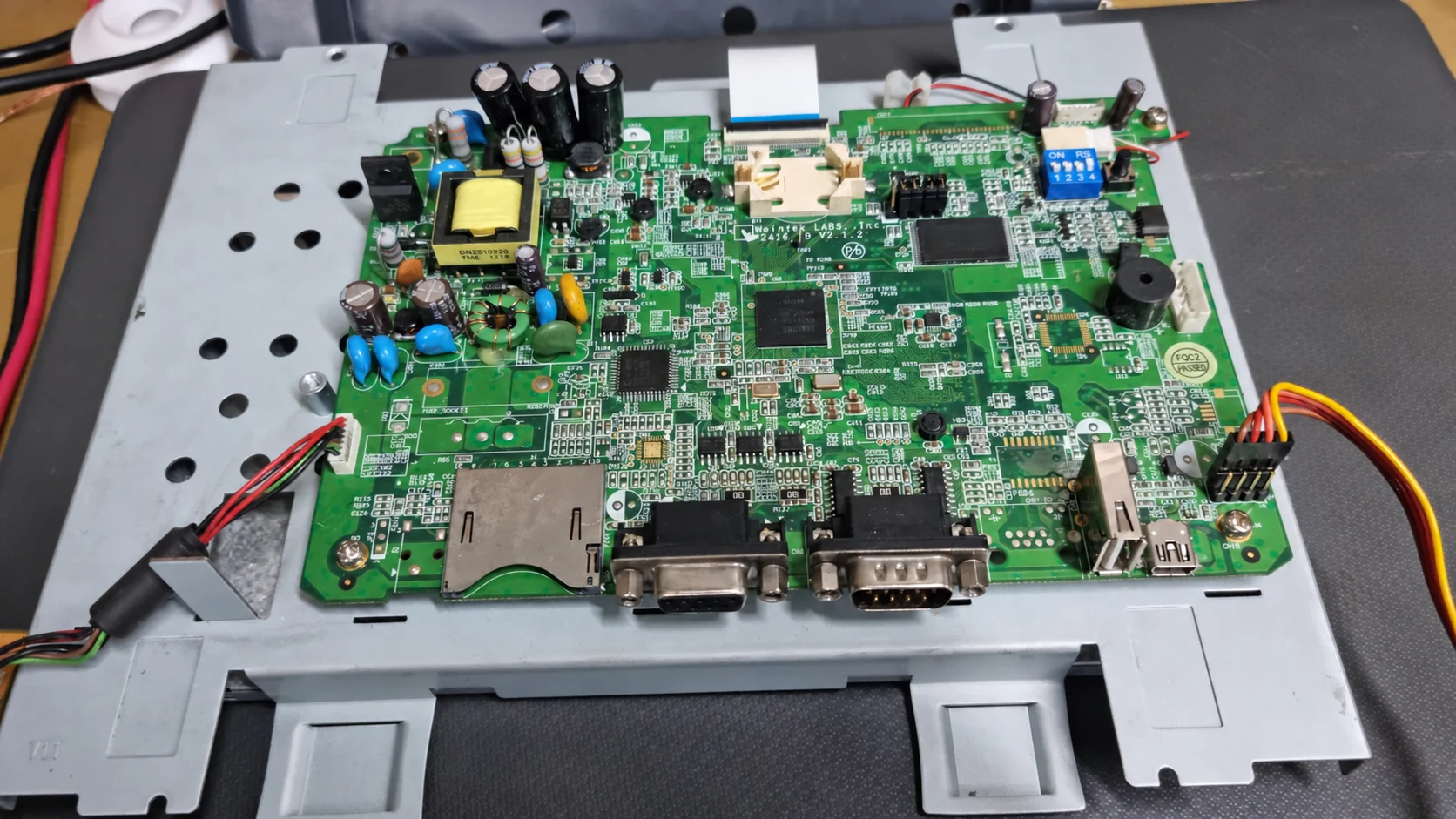
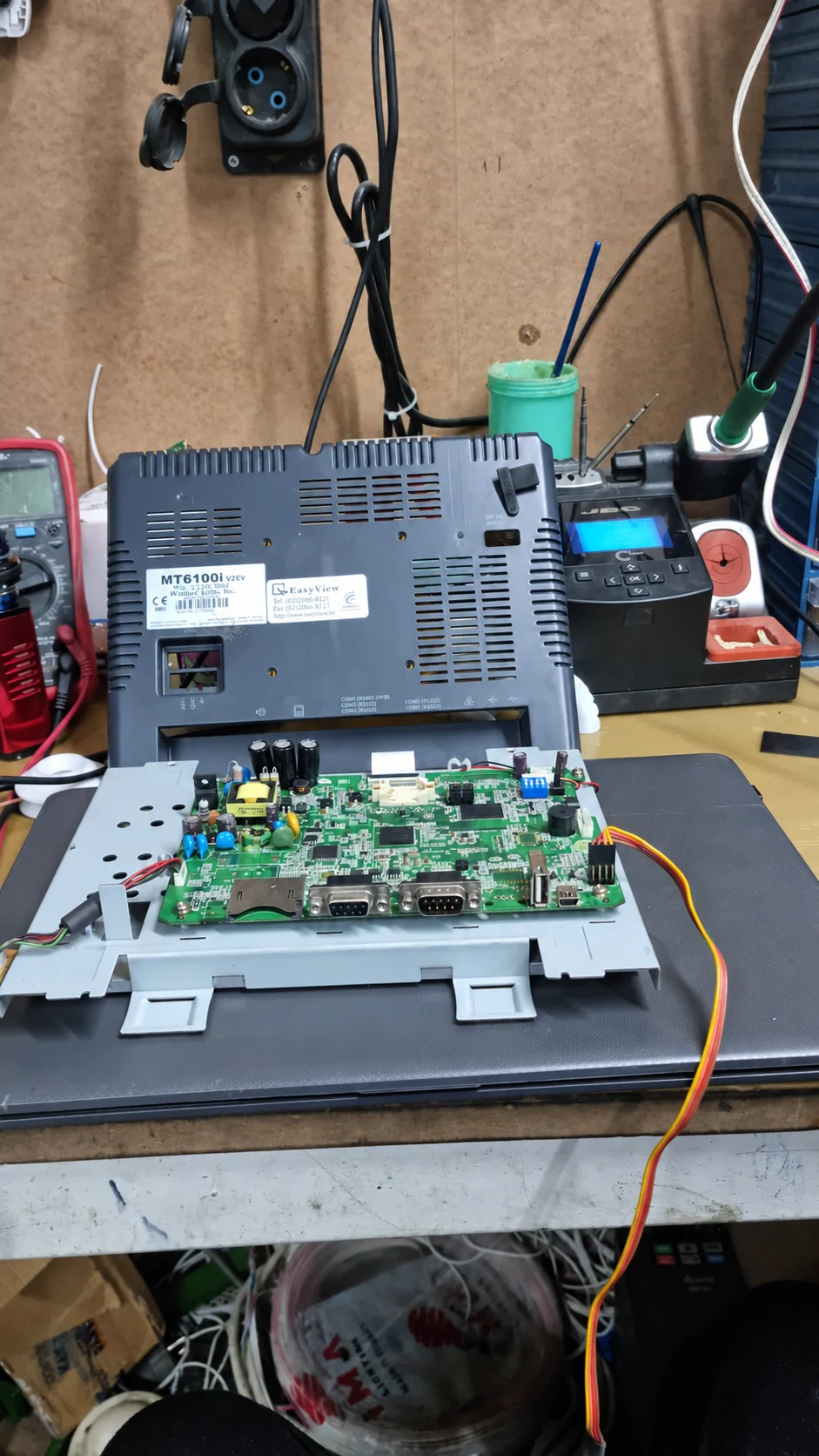
Electronic diagnosis identified a problem in the power supply circuit and a faulty EEPROM chip. Restoring the panel required repair of the power supply section and replacement of the failed memory component. Work targeted the faulty electronic sections while preserving the device's existing machine connection and intended use.
02Applied Solution
The power supply fault was repaired and the faulty EEPROM chip replaced. EEPROM stores persistent data needed for device operation. The panel's software was therefore also prepared again after replacement.
After hardware repair, the HMI firmware was reflashed. The startup and basic operating software were reloaded to ensure correct startup. Power supply repair, memory replacement and firmware loading were treated as complementary stages of the same repair process. The panel's existing machine connection and intended use were preserved.
03Technical Assessment
Restoring HMI startup required work on both hardware and software. The power supply circuit supports the device's electronic sections, while EEPROM stores persistent data. Correcting the power supply fault and replacing EEPROM were the two main hardware repair steps.
After memory replacement, firmware was reloaded to restore the panel's startup and basic operating software. Repair was therefore not considered complete with component replacement alone; correct startup was also ensured. Software work covered reflashing the firmware and loading the panel's basic operating software.
04Implementation Result
The entire process, including diagnosis, power supply repair, EEPROM replacement and firmware loading, was completed within 24 hours. The panel was started correctly, restored to operation and delivered to the customer in working condition.
Restoring the HMI panel returned the operator interface to service. Throughout the repair, its existing machine connection and intended use were preserved, with work focused on faulty electronic sections. Completing power supply, memory and firmware work together enabled the panel to resume its existing role.
05Project Outcomes
“The panel would not start at all, and the production line was close to stopping. The fast, professional repair restored its original performance. None of our data was lost; the work was extremely thorough.”
A. M. · Production Supervisor