PRJ-027 · Technical Service · Repair

Motrona CT150 Motion Controller Repair

The Motrona CT150 motion controller managing the flying shear on SEFER Oluklu Mukavva's production line was restored through electronic repair within two days. A modern HMI was then integrated; operators now enter only the product dimension, and the required parameters are prepared automatically.

CustomerSEFER OLUKLU MUKAVVA
IndustryCorrugated Board / Packaging
DisciplineTechnical Service
EquipmentMotrona CT150
Prepared byInfinitium Teknoloji
CodePRJ-027
DWG · PRJ-027REV A · 1:1
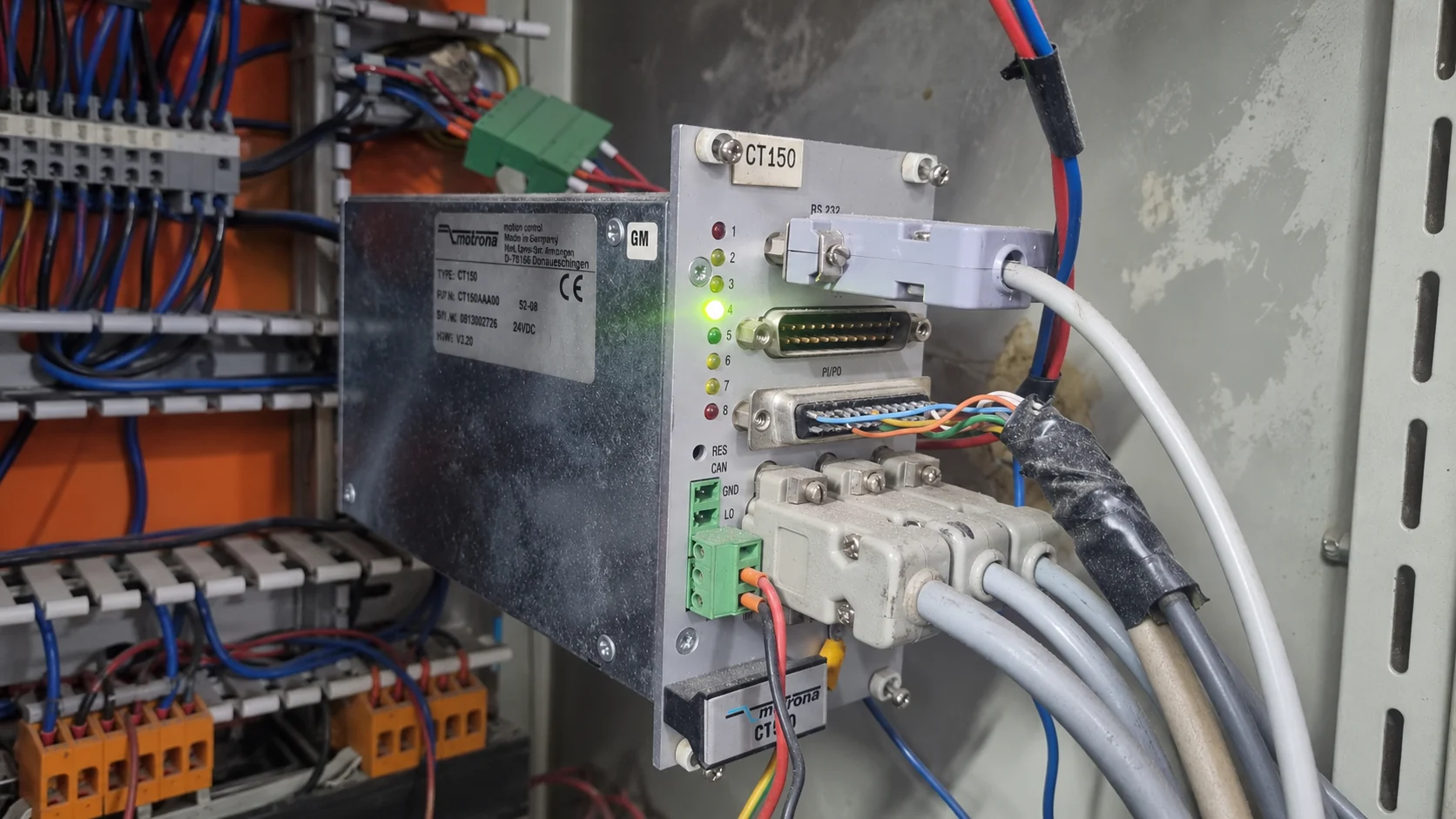
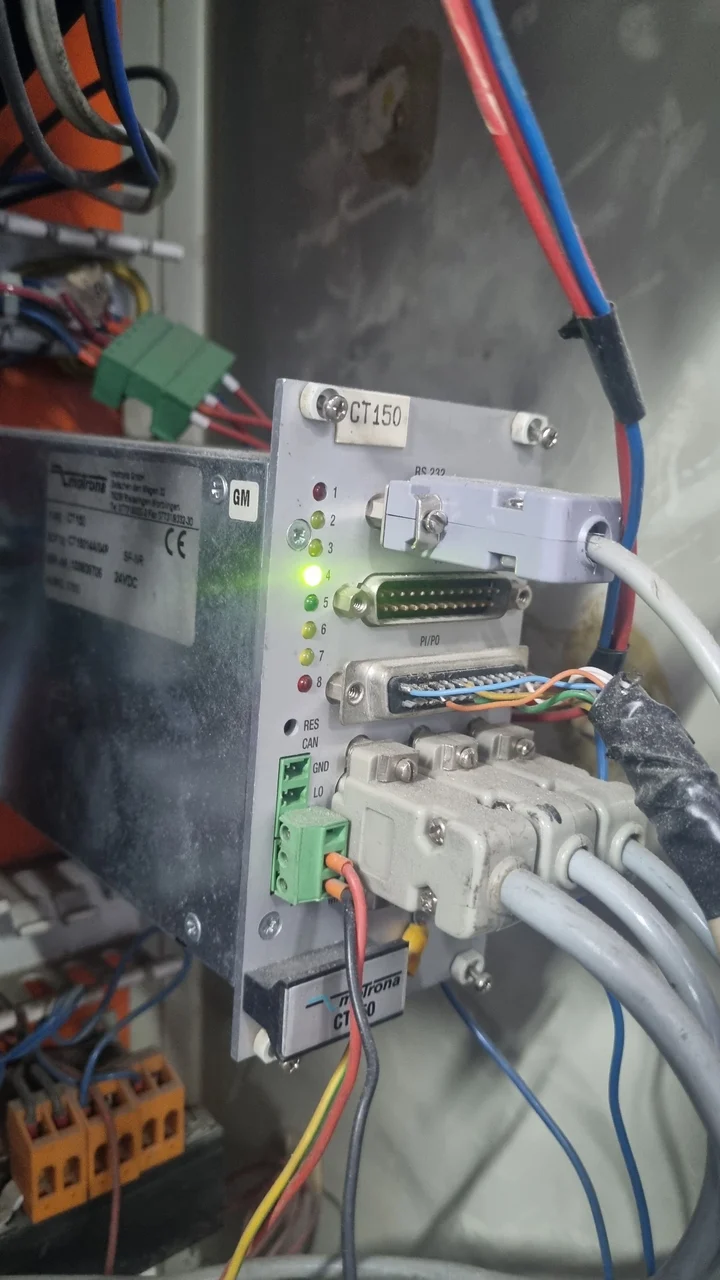
Motrona CT150 motion controller in the control panel

01Initial Situation

The Motrona CT150 motion controller managing the flying shear on SEFER Oluklu Mukavva's production line failed. As it managed machine parameters for cutting moving material to the required length, the fault directly affected line use.

Electronic repair restored the Motrona CT150 within two days, and it was delivered to the customer. The work, however, extended beyond repairing the device.
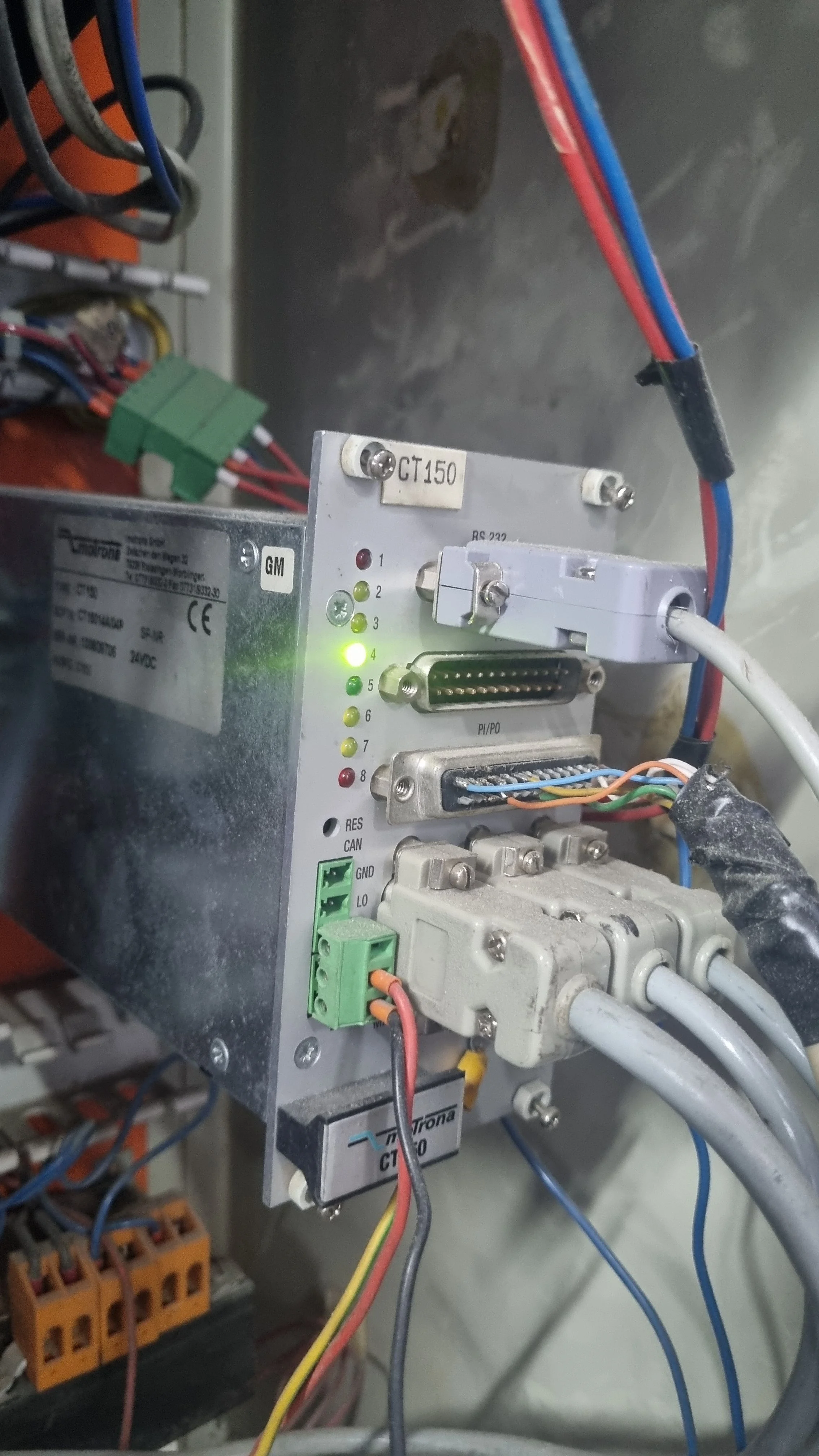
Motrona CT150 motion controller in the panel
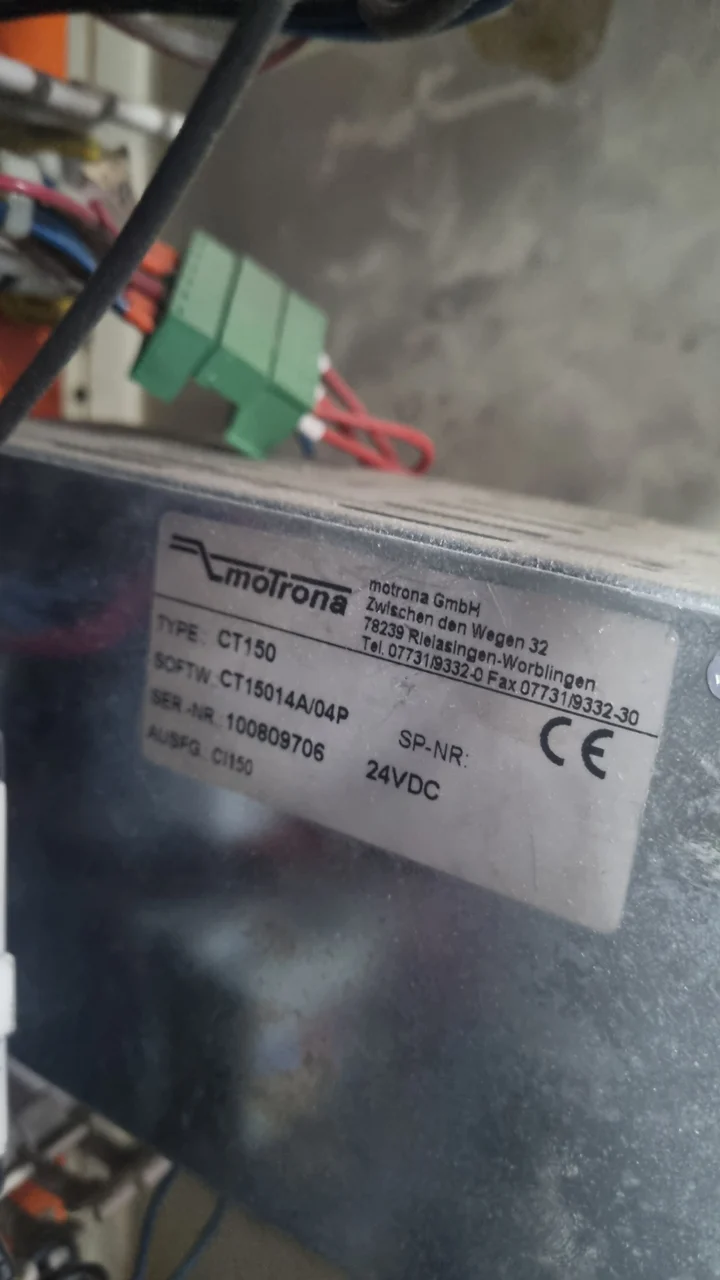
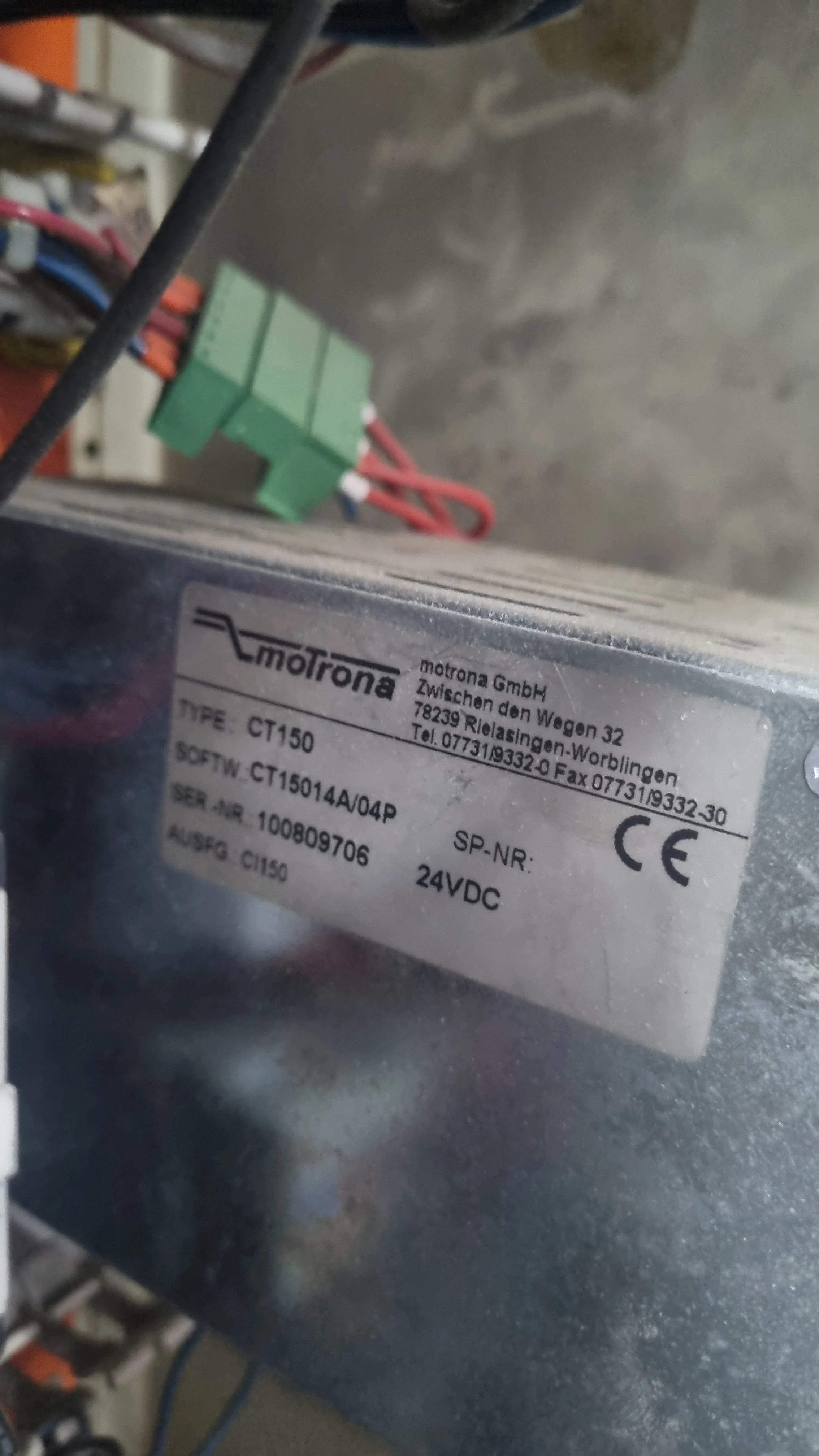
Motrona CT150 identification label

02Applied Solution

After repair, a modern HMI was integrated to simplify machine operation. A clearer control screen replaced the old complex keypads and numerous manual parameter entries.

This removed the need for operators to calculate and enter multiple settings individually.

Changing dimensions: previous and current operation
SubjectOld arrangementNew arrangement
InputComplex keypadsHMI control screen
Entered by the operatorNumerous manual parametersOnly the required dimension
Parameter calculationBy the operatorAutomatically by the system

03Technical Assessment

In the new system, operators enter only the required product dimension through the HMI. The HMI communicates with the Motrona CT150, calculates the necessary values and automatically changes the relevant operating parameters.

The system prepares and transfers the numerical settings required for flying shear control. Since flying shears generally cut in synchronisation with moving material, correct parameters are critical to dimensional consistency.

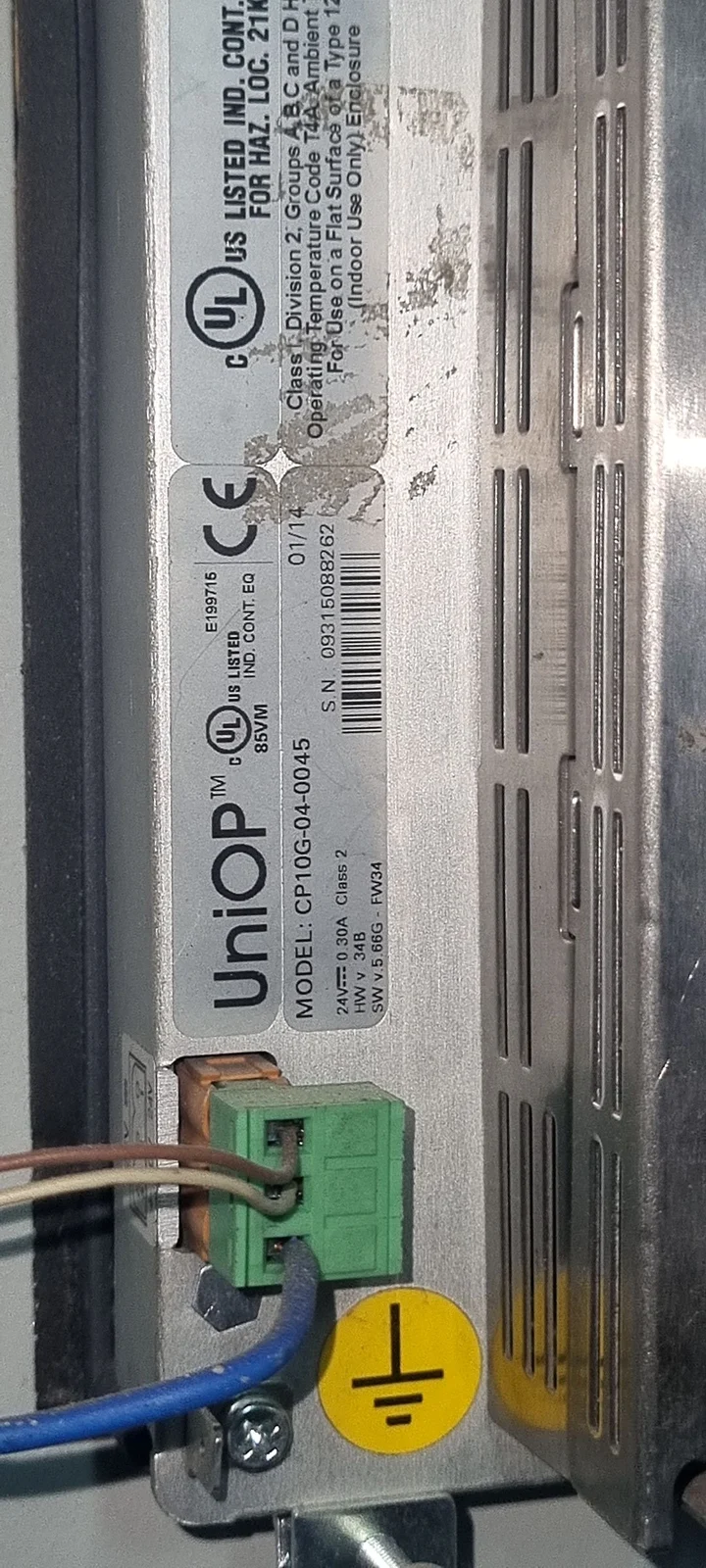
Rear of the operator panel

04Return to Operation

Combining device repair with HMI modernisation returned the machine to service.

Parameter preparation time was reduced and machine setup simplified. Dimension changes now require entering just one value.

05Project Outcomes

Repair in two daysMotrona CT150 restored to operation
Single-value entryOperator enters only the product dimension
Automatic parametersHMI calculates settings and transfers them to the device

“Previously, changing dimensions meant entering many settings manually. With the new HMI, we enter only the dimension we want, and the system prepares the other parameters automatically.”

Nurettin · Company Representative
Project Tags

RepairHMIIntegrationMotion Control
Motrona CT150 motion controller in the panelMedia 01 / 03WEBP · 9:162268 PX · 9:164032 PX
Motrona CT150 identification labelMedia 02 / 03WEBP · 9:162268 PX · 9:164032 PX
Rear of the operator panelMedia 03 / 03WEBP · 9:201080 PX · 9:202400 PX
Motrona CT150

Motrona CT150 motion controller in the panel

Panel-mounted Motrona CT150 with front status LEDs and connected plugs.

Device label

Motrona CT150 identification label

Device housing label showing type, software and serial number information and the 24 VDC supply rating.

Operator panel

Rear of the operator panel

Model label, power terminal and grounding symbol on the rear of an operator panel.

Gallery · PRJ-027
Motrona CT150 motion controller in the panel
Motrona CT150 identification label
Rear of the operator panel
01 / 03
A Similar Project

Do you have a similar requirement at your facility?

Tell us about your project, and the same team will work on your line too.

Technical contact
Infinitium Teknoloji

Let's find a solution together.

Select the line you would like to call.

Line 1+90 530 446 56 95CallLine 2+90 530 898 79 64Call
WhatsApp contact

Let's start with a message.

Select the line you would like to message. WhatsApp opens in a new tab.

Line 1+90 530 446 56 95MessageLine 2+90 530 898 79 64Message